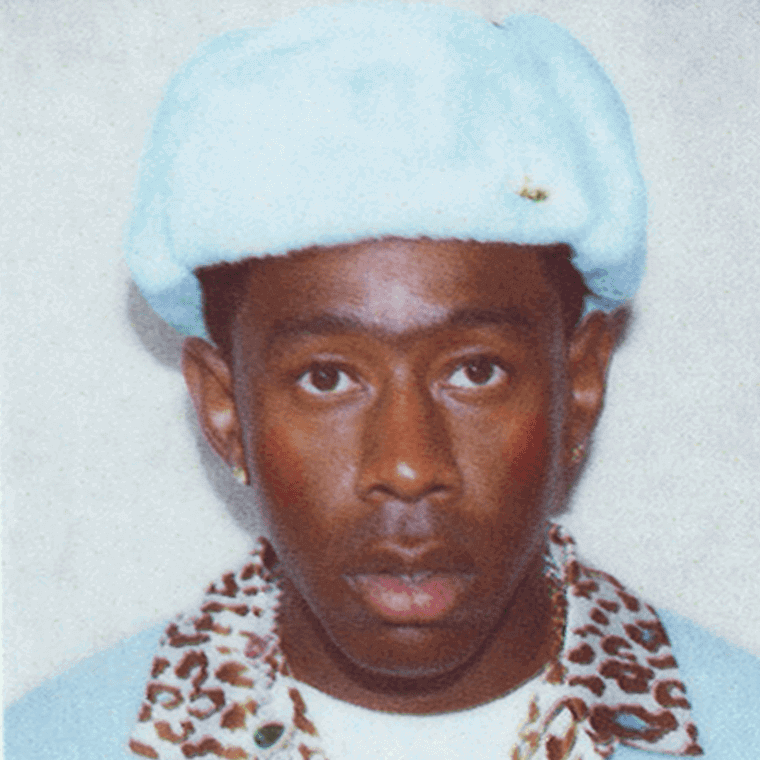
Centered portrait
Front-facing photos with even lighting usually sit closest to the reference layout.
CALL ME IF YOU GET LOST | ID GENERATOR
Submit photo, write it in, sign it, then get your ID.
Fan-made. Not official.
Quick Tips
Use a centered portrait, keep the crop tight, and fill the three text lines with short entries.
The card stays on the first screen, so you can upload, adjust, sign, and export in one pass.
Front-facing photos with even lighting usually sit closest to the reference layout.
Name, birth date, and location stay readable when you keep each field compact.
Check the crop, draw the signature, switch the card color if needed, then save the PNG.
Before You Export
Questions
Yes. Upload any image and it will replace the default portrait.
Yes. The card exports as a PNG in the browser.
Yes. Use Select Color to switch between the card options.
Yes. Open the signature pad again or clear it and sign once more.
No. The crop, text, signature, and export all run on the page.
Keep Reading
Story, motifs, visuals, and practical card-making notes live here.
A clear read on the loose plot, the emotional turns, and where tracks like WusYaName, Sweet, and Wilshire fit.
Read the storyTravel, luxury, escape, performance, and the point where getting lost stops sounding glamorous and starts costing something.
Read the meaningA breakdown of the ID card, the stamp, the serial number, the colors, and the paper-textured world around them.
Open the field guidePortrait setup, text length, color choice, and a few moves that keep the card feeling sharp instead of overworked.
Use the guideMore To Try
Move back to the generator hub or jump into the other tools on the site.