How To Use
Build a card that feels like CMIYGL without overworking it
The original look is strong because it is disciplined. One portrait. A few fields. A little texture. A clear stamp. The fastest way to lose the mood is to treat the card like a scrapbook. The best version usually comes from doing less, but doing it cleanly.
How To Use
How To Use the Call Me If You Get Lost Generator
Start with the face
A strong portrait solves half the card before you type anything.
Keep the text short
This design loves restraint. Long entries make the card feel crowded very quickly.
Use the color to tune the mood
The palette shift is small, but it changes the atmosphere of the whole export.
Step 1
Start with a front-facing portrait
Use a centered headshot with clean lighting and a calm expression. If the crop is doing a lot of rescue work, the card usually ends up fighting itself.
Busy backgrounds can still work, but only if the face stays dominant. The original mood is direct and document-like, not chaotic.
Works well
Shoulders visible, eyes near center, soft background contrast, no heavy tilt.
Gets messy fast
Extreme angle, tiny face in frame, loud background objects, or a crop that slices across key features.
Step 2
Write like the card already has authority
Short names and places sit better than long novelty phrases. The document does not need extra decoration because the printed layout already gives it character.
If a field feels cramped, shorten it. A good alias usually looks stronger than a long joke stretched across the line.
- Keep the name readable at a glance.
- Use a date format that stays compact.
- Pick a location that looks clean inside the line.
- Do not try to fill every inch just because it is available.
Step 3
Pick the color by mood, not by habit
Yellow for the classic card
Usually the safest first export if you want the most immediately recognizable version.
Blue for colder portraits
Good when the photo already leans pale, silver, or sky-toned.
Mint for softer contrast
Useful when yellow feels too warm and pink feels too playful.
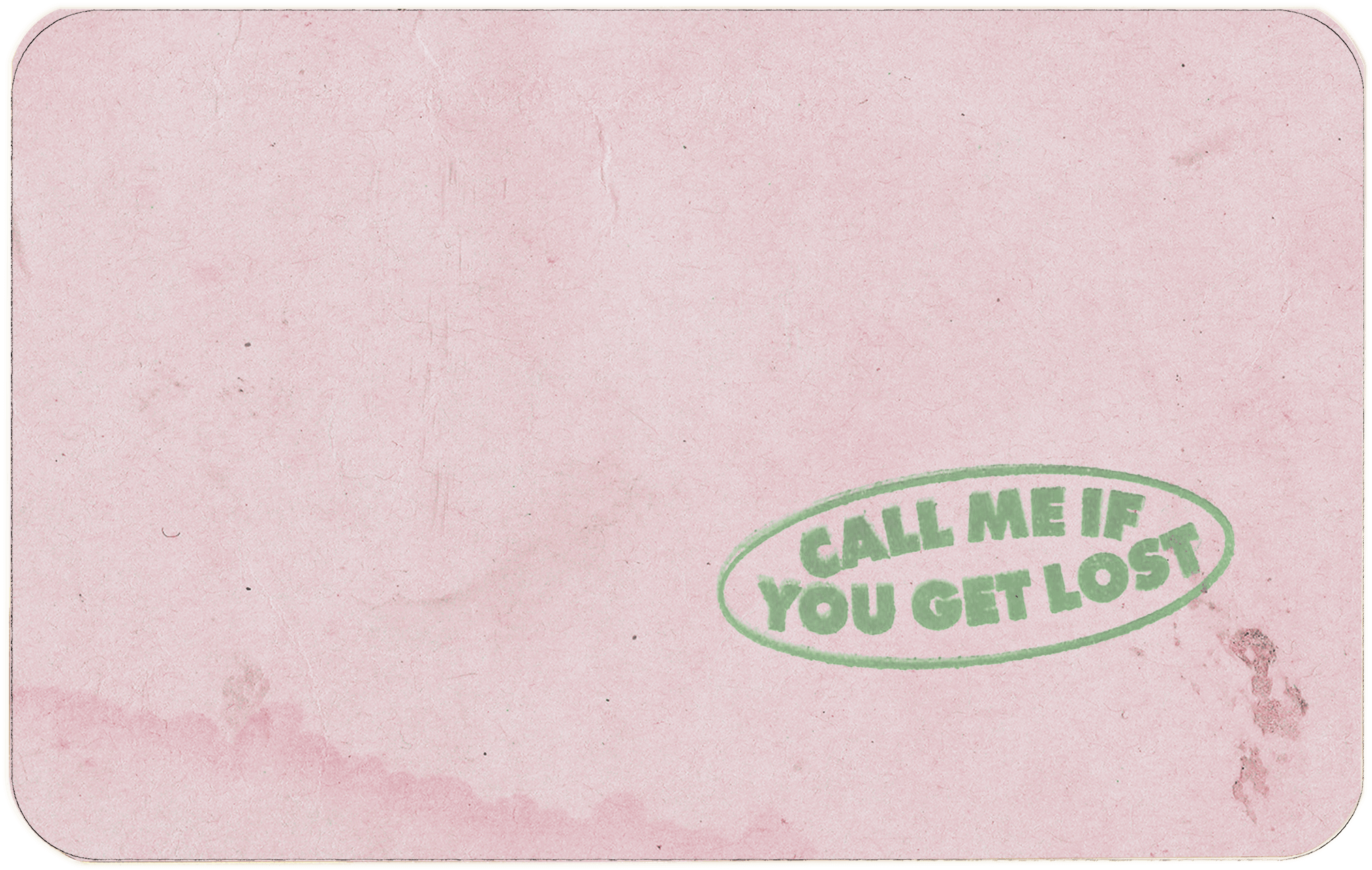
Pink for personality
Works best when the portrait and name already have enough attitude to hold it.
Step 4
Sign lightly and leave some air
A quick signature usually lands better than a giant flourish. The card already has plenty happening around it. Let the signature read like a final touch, not a takeover.
If the signature is crowding the lower text, redraw it with more space. Small adjustments make a big difference in this layout.
After Export
A few ways to use the finished card
The obvious use is a profile image or story slide, but the card also works as a playlist cover, a chat icon, or a challenge graphic when friends all make their own versions.
The best uses keep the card intact. Once you start stacking too many extra stickers, captions, and overlays on top of it, the point of the document look starts fading.
Quick Answers
A few things worth clearing up
Should I use real personal details?
You can, but a short alias and a clean location often look better on the card.
What kind of photo works best?
A clear, centered headshot with steady lighting usually gets the strongest result.
When should I change the card color?
Change it after the photo is in place. The portrait usually tells you which palette feels most balanced.
What makes a fan card feel overdone?
Long text, a heavy signature, and a portrait crop that feels more dramatic than documentary.
Keep Reading
More CMIYGL pages
Story, motifs, visuals, and practical card-making notes live here.
The route through the album
A clear read on the loose plot, the emotional turns, and where tracks like WusYaName, Sweet, and Wilshire fit.
Read the storyWhat the passport world means
Travel, luxury, escape, performance, and the point where getting lost stops sounding glamorous and starts costing something.
Read the meaningThe visual grammar
A breakdown of the ID card, the stamp, the serial number, the colors, and the paper-textured world around them.
Open the field guide